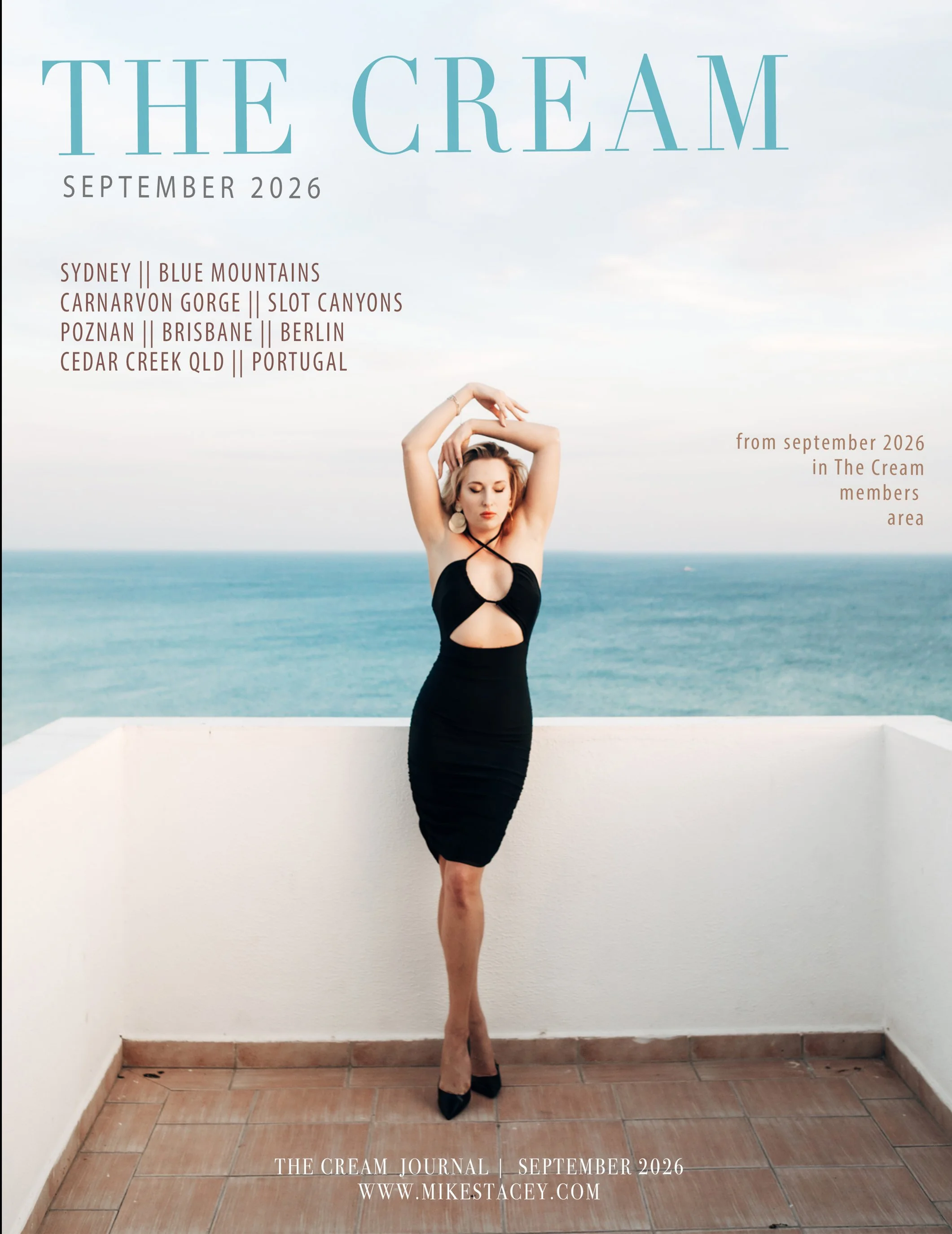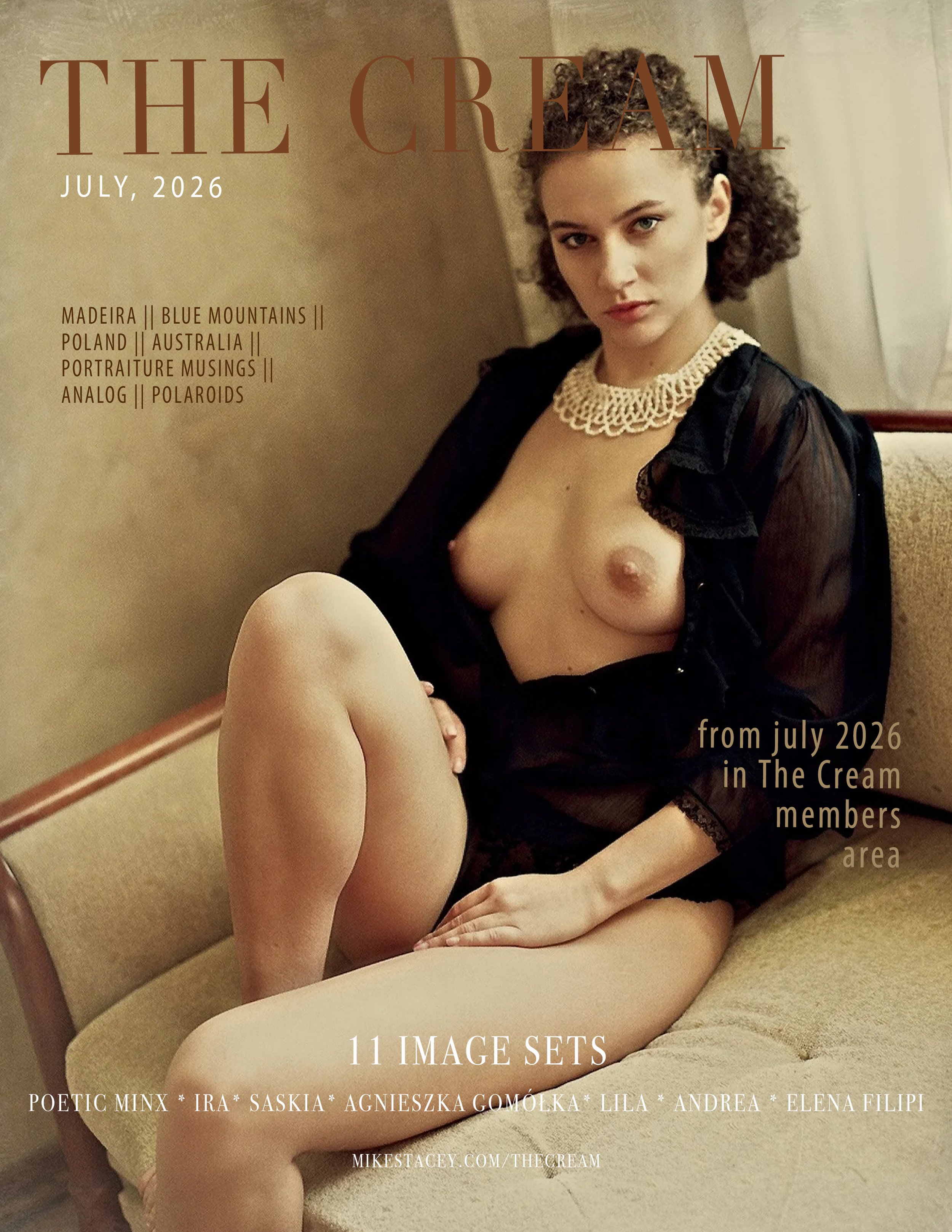
The Cream Journal, August 2026

Sale Price: $14.95 Original Price: $19.95

A premium digital photography magazine featuring a curated selection of monthly Cream posts published in the Members Area, brought together in a beautifully designed, high-resolution publication.

Alongside the photographs are exclusive images, additional content and concise articles exploring photography beyond cameras and technique, covering observation, emotion, visual perception and the deeper process of making meaningful photographs.

Every page is presented at professional quality, with carefully reproduced images designed to be viewed and appreciated as intended.

Whether you're a photographer or simply someone who appreciates thoughtful photography, The Cream Journal is created to be collected and revisited.

How best to view it

The mag should be viewed full screen with full page double spreads, side-by-side, just like a print magazine.

A premium digital photography magazine featuring a curated selection of monthly Cream posts published in the Members Area, brought together in a beautifully designed, high-resolution publication.

Alongside the photographs are exclusive images, additional content and concise articles exploring photography beyond cameras and technique, covering observation, emotion, visual perception and the deeper process of making meaningful photographs.

Every page is presented at professional quality, with carefully reproduced images designed to be viewed and appreciated as intended.

Whether you're a photographer or simply someone who appreciates thoughtful photography, The Cream Journal is created to be collected and revisited.

How best to view it

The mag should be viewed full screen with full page double spreads, side-by-side, just like a print magazine.

How best to view pdf mags

The mag should be viewed full screen with full page double spreads, side-by-side, just like a print magazine.On a Mac

  1. Open the file using Preview

  2. Go to the View menu and select Two Pages

  3. In the View menu again, Enter Full Screen

On Windows using Adobe Acrobat

  1. Open the file using Acrobat

  2. Go to the View menu and select Read Mode

  3. Go to View → Page Display → Two-page view and Show cover page

Note: going full screen in Acrobat doesn’t work → Use a Mac and Preview!